Blacklist Recognition Alerts
Add high-risk profiles and face samples. When a camera detects a match, the system sends an instant alert with risk level and history tracking.
Core Features
OIM combines live detection, profile management, alerts, review queues, records, and integration points in one local-first platform.
Identity Scan Preview
Use OIM to turn camera activity into recognizable profiles, alert context, and review records while keeping the interface calm and operational.
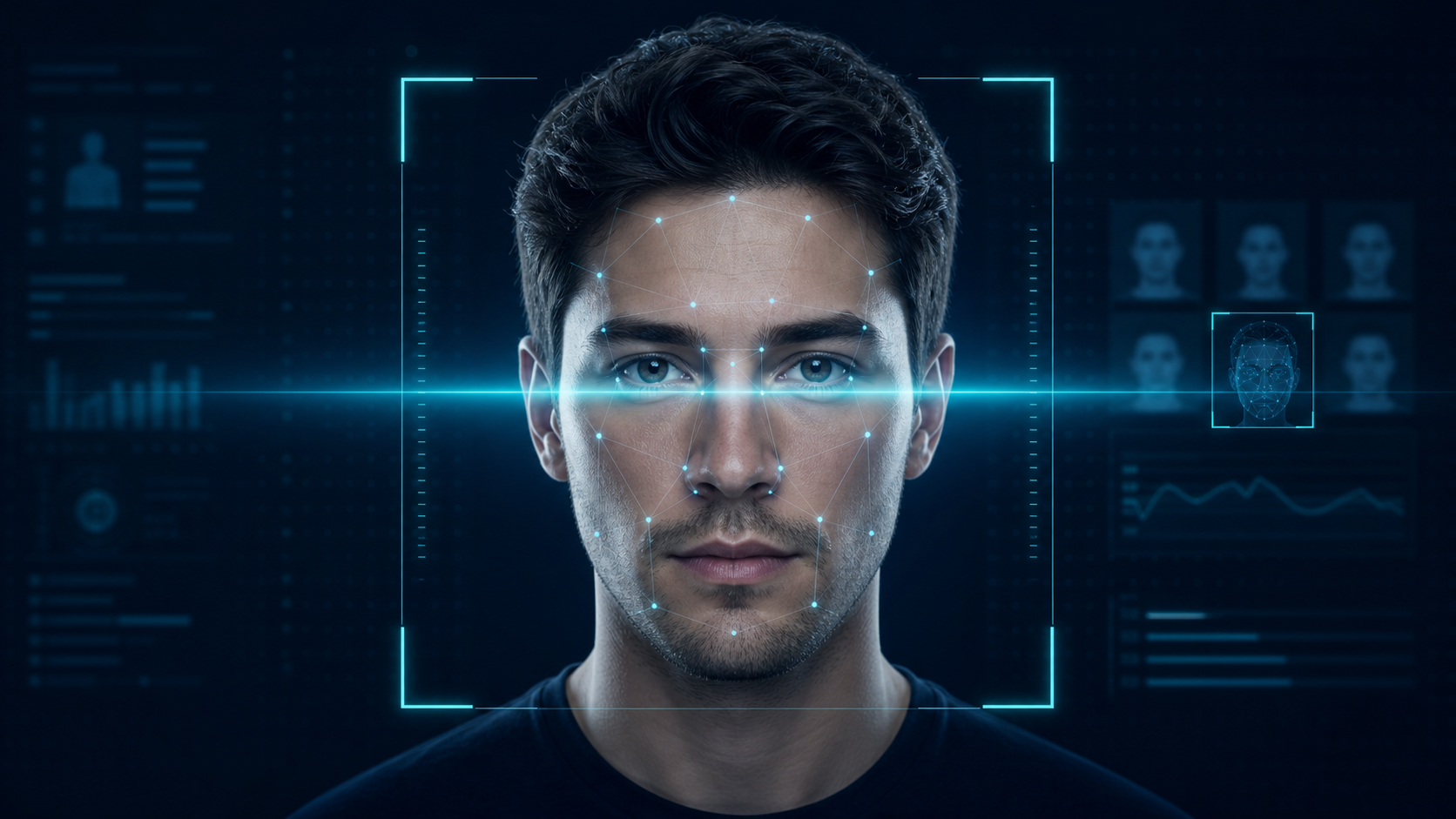
Add high-risk profiles and face samples. When a camera detects a match, the system sends an instant alert with risk level and history tracking.
Identify returning customers, members, or VIPs and show profile details, contact information, points, and notes for better service.
Add cameras for the front door, cashier area, back entrance, or key zones. Start, stop, preview, and monitor each feed independently.
Save face snapshots automatically, convert unknown visitors into customer profiles, and retain higher-quality samples for future recognition.
Keep detection records, alert history, camera status, and system activity for review, audits, and daily management.
Run the system locally and connect it through REST APIs and WebSocket events to membership, CRM, access control, or cloud management platforms.
Product UI Preview
Key workflows are presented as focused screens so staff can monitor cameras, review alerts, and open customer profiles without losing context.
Monitor multiple feeds, active camera state, recognition status, and recent events from one screen.
Camera: Front Entrance
Action: Notify staff immediately
Record: Saved to alert history
Show the reason, risk level, camera location, and next action when a blacklist profile is detected.
Member status, notes, visit history, and face samples are grouped into one operational profile.
Give staff useful customer context while preserving a clean review and management workflow.
Daily Workflow
Staff log in, start cameras, and maintain profiles. The system handles detection, comparison, records, and alert delivery in the background.
Add cameras for entrances, cashier desks, or priority areas, then confirm each feed and location.
Create customer, member, and blacklist profiles with face samples, notes, risk reasons, and contact details.
When cameras detect a face, the system compares it automatically and classifies customers, members, unknown visitors, or blacklist matches.
Blacklist matches trigger immediate alerts. Teams can later review alert history, detection records, visitor photos, and system statistics.